
June 2026 – Product update
This is Alex, founder & CEO of Vega.
One of the questions we get most often is:
“Can Vega write emails that sound like me?”
The answer has always been yes, to a certain extent.
Vega already uses the email thread, your client history, recent meetings, CRM records, and firm knowledge to understand what you’re trying to communicate.
This month, we’ve improved how Vega understands how you communicate.
Using Memories, Vega can now retain your writing preferences over time, allowing future email drafts to sound progressively more like something you would have written yourself.
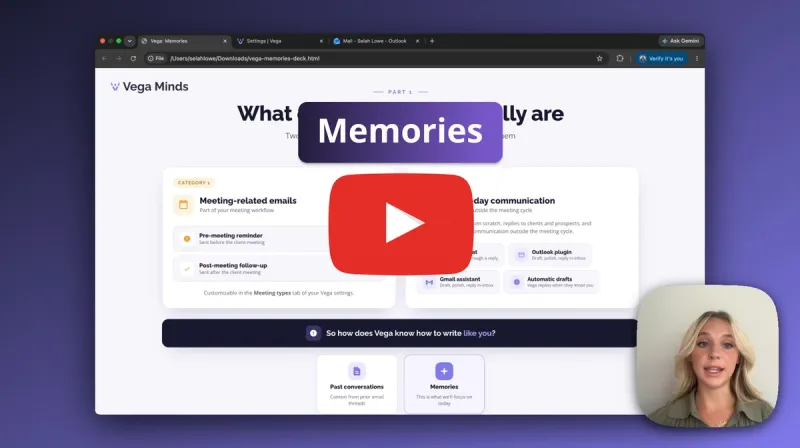
Click to watch Memories in action
Context is only half the problem
Imagine two advisors replying to exactly the same email.
Both want to schedule a meeting.
One writes:
Thanks! Looking forward to seeing you next week.
The other writes:
Thank you for reaching out. I hope you’re doing well. Please let me know if Tuesday at 2:00 PM works for you.
Both emails accomplish the same objective. Neither is more correct. They’re simply different.
This is one of the biggest limitations of AI-generated writing. Most AI systems understand what to say. Very few consistently understand how you prefer to say it.
Remembering how you write
This is where Memories come in.
Instead of repeating the same instructions every time you draft an email, you can simply tell Vega what you prefer once.
For example:
- “I prefer short paragraphs instead of bullet points.”
- “Use a warmer tone when writing to long-time clients.”
- “Be more formal with prospects.”
- “Avoid investment jargon.”
- “Always end my emails by asking whether they have any questions.”
These become durable Memories. And the next time Vega drafts an email, it automatically considers whether those preferences should influence the response.
The result is an assistant that gradually becomes more aligned with your communication style. Not because the underlying language model is learning, but because Vega is.
Built into every place you write
You don’t have to configure Memories in a settings page.
They are created naturally while you work.
After reviewing a draft, you might simply tell Vega:
Make this opener friendlier, and remember that I like warm openings when writing to clients.
If Vega determines that this is a durable preference rather than a one-time request, it saves it as a Memory.
You can do this from:
- the Vega chat
- the Vega Outlook plugin
- the Vega Gmail assistant
The workflow doesn’t change. You simply communicate with Vega the same way you would communicate with a human assistant.
Transparency matters
One thing we’ve tried to avoid with Memories is creating a black box.
When Vega saves a new Memory, it tells you.
You’ll see an in-chat confirmation, and you’ll also receive an email summarizing the Memory that was added.
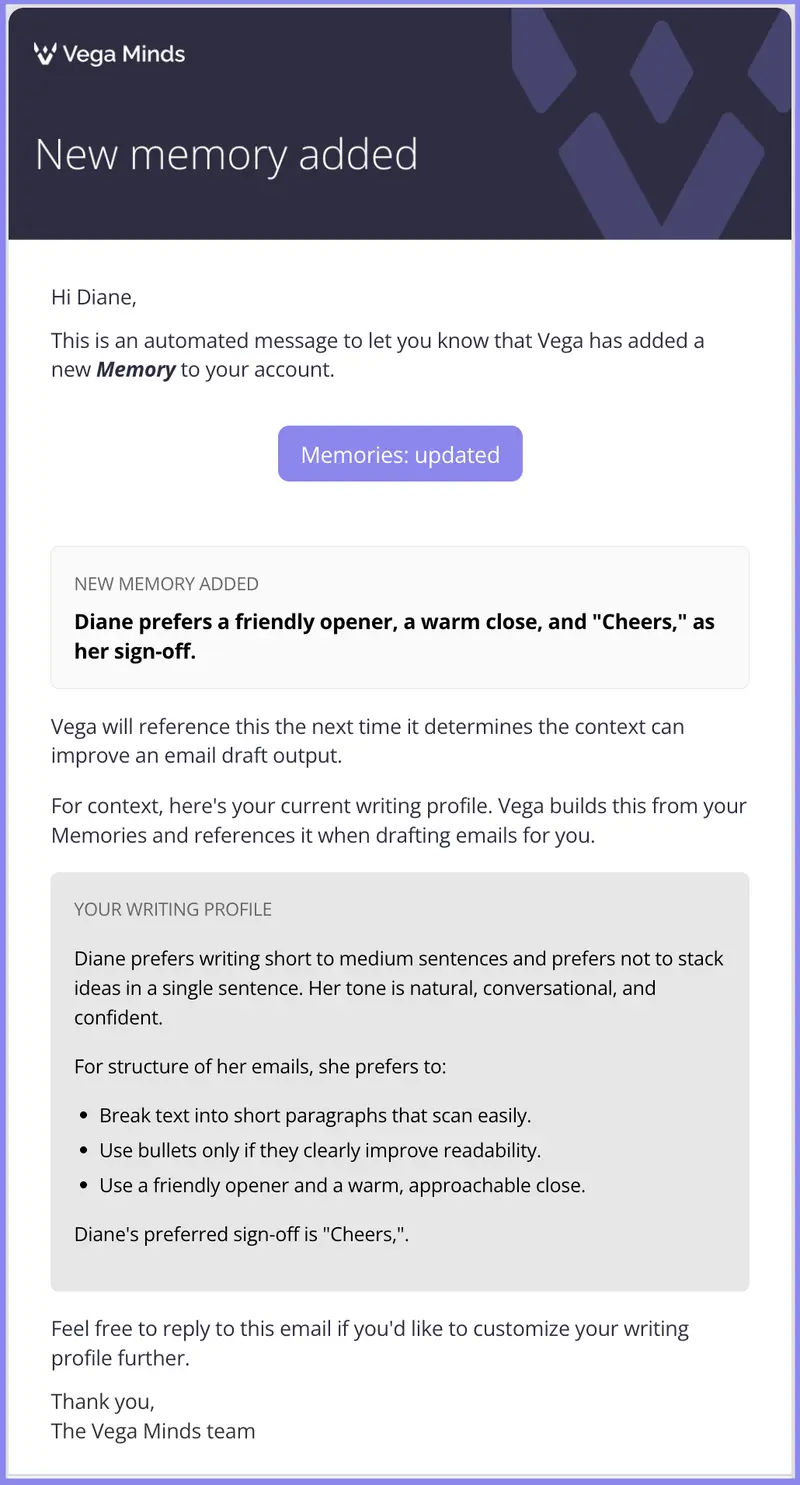
That way, you always know what Vega is remembering and can build confidence that the assistant is evolving in ways you actually intended.
Toward a more personal AI
Most AI assistants get better because the underlying models improve. We believe the more important improvement happens at the user level.
Your assistant should become better for you.
Over time, it should understand how you write. How you structure emails. The tone you prefer with different types of clients. The phrases you naturally use.
That is exactly what Memories are designed to do.
Every interaction helps Vega become a little more personalized.